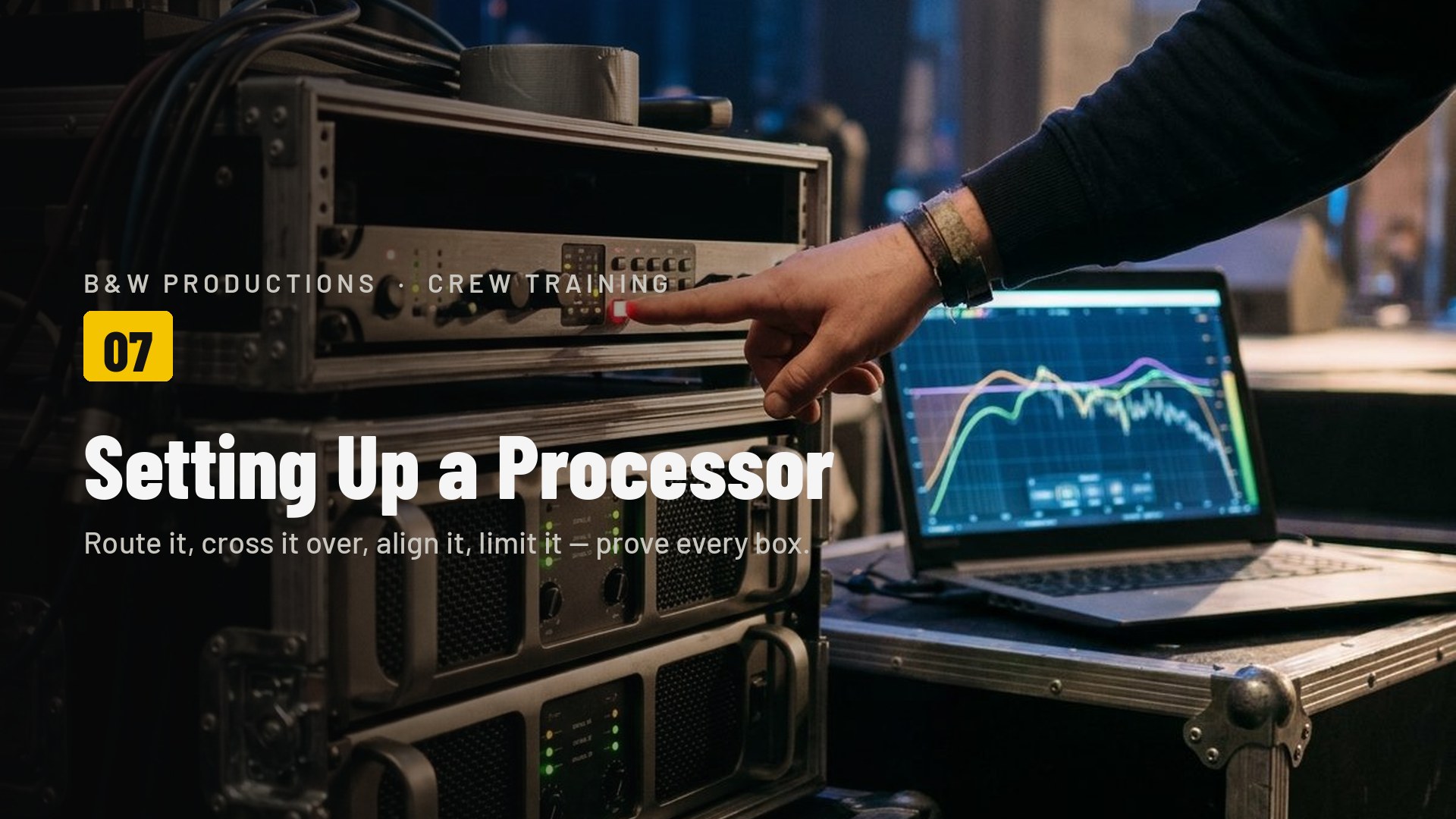
01What a processor does
A loudspeaker processor — also called a DSP, a speaker management system or a crossover — sits between the mixer and the amplifiers. The desk hands it a finished stereo mix. It splits that mix into the bands each speaker is built for, lines them up in time, protects the drivers, and sends every band to its own amplifier channel.
It does four jobs, and you will set them up in this order:
1 · Crossover
Splits the mix by frequency. Bass to the bins, everything above to the tops. A 3-way rig adds a mid band.
2 · EQ
Tames the room and the boxes. For crew: leave it flat unless the engineer has saved a preset.
3 · Delay
Lines speakers up in time so the subs and tops hit together, and so fills down the room do not echo the mains.
4 · Limiter
A ceiling on each output. Stops a big amp cooking a speaker when someone pushes the mixer too hard.
When you need one, and when you don't
- Passive rig (bins and tops on rack amps): always. Without it the amps send full-range to every box and the tops get bass they cannot handle.
- Powered boxes (Evox, powered subs): the DSP is inside the box. You usually do not need a processor, but one is still useful to delay fills and align subs.
- Mixed rig (passive mains, powered fills): one processor runs it all. Fills get a full-range output with a high-pass and a delay.
You do not design the preset. The engineer does that once, in daylight, with a measurement mic. Your job is to load the right preset, route the outputs correctly, prove every box, and never unmute a limiter-less output into a passive speaker.
Typical hire kit: a 2-in / 6-out loudspeaker processor in the amp rack, driving passive double-18 bins and 12" or 15" passive tops.
02Ins and outs
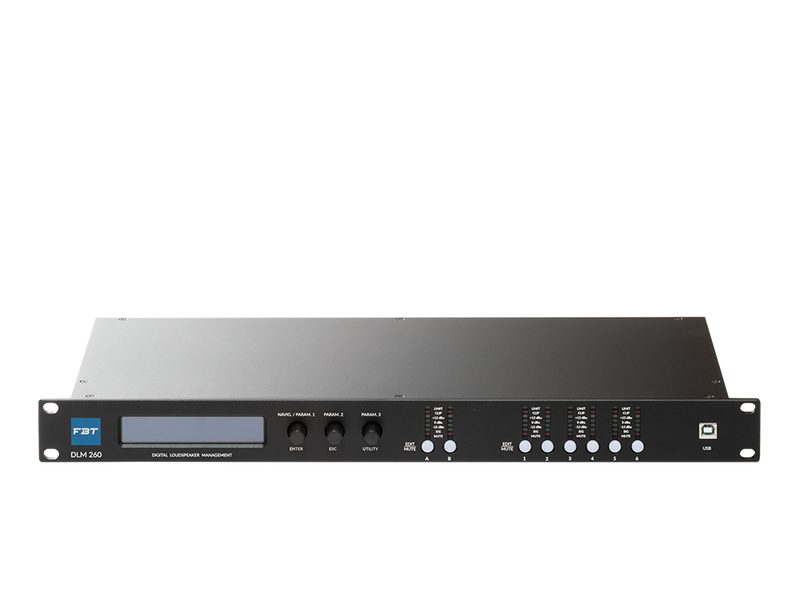 FBT DLM 260 front: screen, encoder, 6 output mutes
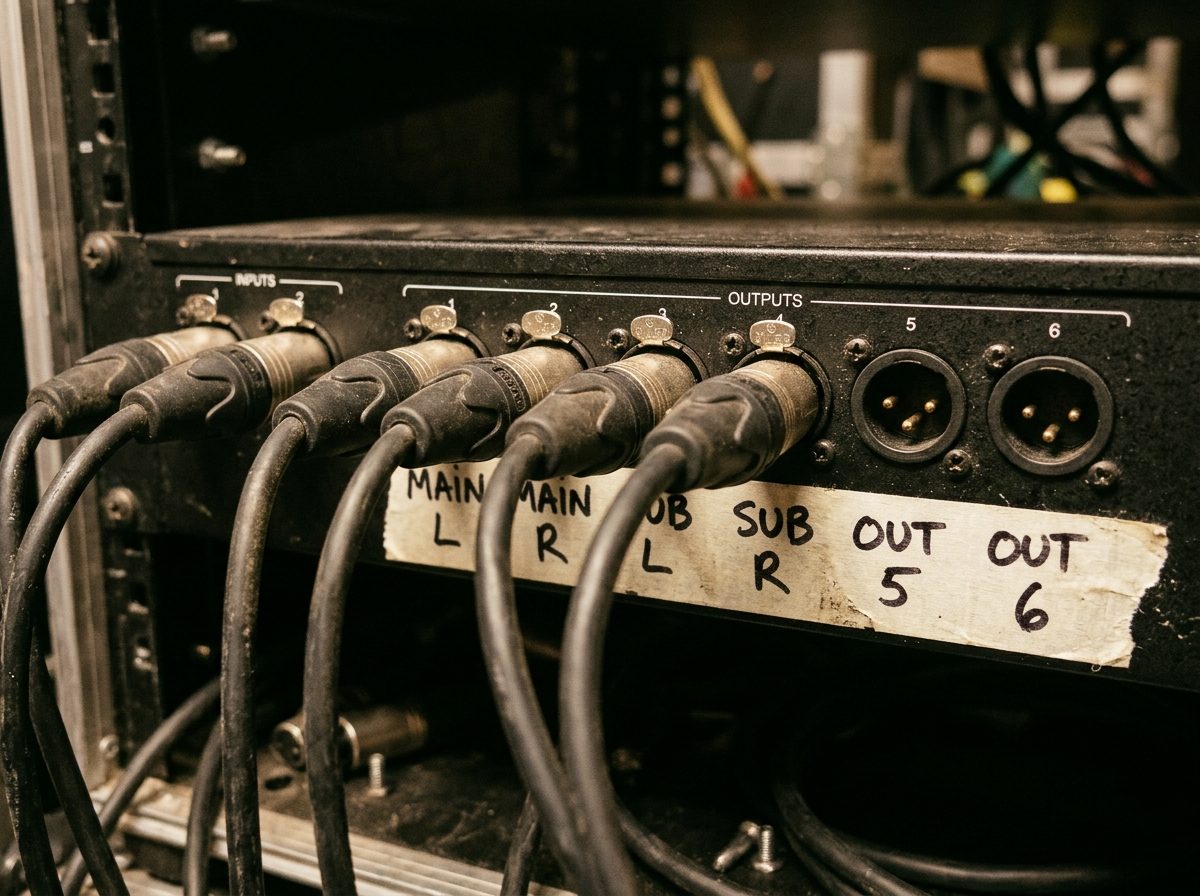 Rear: 2 XLR in, 6 XLR out, tape labels
Most processors you will meet are 2-in / 6-out or 4-in / 8-out. The inputs take the mixer's main left and right on XLR. The outputs are also XLR, line level, one per amp channel or powered box. Everything is balanced, so cable runs can be long.
The front panel
- Input meters: show signal arriving from the mixer. No meter, no signal: the fault is before the processor.
- Output mute buttons: one per output. On site you unmute these one at a time, never all at once.
- Output meters and limit lights: a limit light flashing means that output has hit its ceiling. Occasional flicker is fine. Solid is too loud.
- Preset recall: the saved setups. Load the one named for tonight's rig. Most units can lock the panel so a knee does not change it mid-show.
Put a strip of tape under the six outputs and write what each one feeds. Then write the same on the amp inputs. A rig wired against its labels is a rig that will be fault-found in the dark.
03Routing: which output feeds what
Routing is the map from inputs to outputs. Left-side speakers take input A. Right-side speakers take input B. Subs usually take A+B summed, because bass is not directional and one mono sub feed keeps every bin working together. Choose a rig and set the outputs. The tool checks your map.
Routing matrix
Standard map for mono subs + stereo tops: 1 Sub (A+B) · 2 Sub (A+B) · 3 Top L (A) · 4 Top R (B) · 5 Fill L (A, delayed) · 6 Fill R (B, delayed).
Three maps you will use
| Rig | Out 1 | Out 2 | Out 3 | Out 4 | Out 5 | Out 6 |
|---|---|---|---|---|---|---|
| 2-way, mono subs | Sub A+B | Sub A+B | Top L (A) | Top R (B) | spare | spare |
| 2-way + delay fills | Sub A+B | Sub A+B | Top L (A) | Top R (B) | Fill L (A) +delay | Fill R (B) +delay |
| 3-way stereo | Sub A+B | Sub A+B | Mid L (A) | Mid R (B) | High L (A) | High R (B) |
Output 3 is labelled "Top L" but inside the processor it is still set to full range, or still routed from the preset before. The box plays, so nobody checks, and the tops get bass all night. The label is not the routing. The screen is the routing. Check both.
04Crossover points and slopes
Each output has a high-pass filter (cuts below) and a low-pass filter (cuts above). A sub output is high-passed around 30 to 35 Hz to protect the driver and low-passed around 100 Hz. A top output is high-passed at the same 100 Hz. Where the two meet is the crossover point. The slope says how steep the cut is: 24 dB per octave Linkwitz-Riley (LR24) is the safe default, because the two sides add back to flat.
Crossover tool
Defaults: sub HPF 35 Hz · sub/top crossover 100 Hz · mid/high 1.6 kHz · all filters LR24.
Starting points
| Output | High-pass | Low-pass | Slope | Why |
|---|---|---|---|---|
| Double-18 bins | 35 Hz | 100 Hz | LR24 | Below 35 Hz the cone just flaps. Above 100 Hz you start to hear voices from the bins. |
| 12" or 15" tops | 100 Hz | off (20 kHz) | LR24 | Matches the bins. Lower only if the tops are big 15s and there are no bins. |
| Mids (3-way) | 100 Hz | 1.6 kHz | LR24 | The horn takes over around 1.2 to 2 kHz; the box's spec sheet gives the exact number. |
| Highs (3-way) | 1.6 kHz | off | LR24 | Never below the spec-sheet minimum. A horn fed too low dies quietly, then suddenly. |
| Delay fills (powered) | 80 Hz | off | BW12 | The box's own DSP does the rest. High-pass only keeps the bass with the bins. |
The speaker's spec sheet. Every passive box lists a recommended crossover and a minimum high-pass. The processor does not know what is plugged into it. If you set a horn output to 500 Hz because it "sounded fuller", you have bought a diaphragm.
Typical starting points: double-18 bins 35 Hz to 100 Hz; 12" or 15" tops high-passed at 100 Hz; powered column fills high-passed at 80 Hz with their own DSP left flat.
05Delay and polarity
Sound travels about 343 metres per second: roughly 2.9 milliseconds for every metre. If the subs sit two metres in front of the tops, their sound arrives early. If a fill speaker stands 20 m down the room, it arrives 58 ms before the mains do, and the audience near it hears an echo. Delay fixes both: you hold the nearer speaker back until the sound lines up.
Delay calculator
Fill delay = distance ÷ 0.343 + 5 ms. Example: 20 m fill = 58 + 5 = 63 ms. Subs 1.5 m ahead of tops: delay the tops by 4.4 ms.
The fill rule
Delay the fill by its distance from the mains, plus about 5 ms. The extra few milliseconds make the mains arrive a touch first, so the ear locates the sound at the stage and the fill just adds level. Put the delay on the fill's output, not on the mains.
Polarity: the two-second check
Subs and tops can be out of polarity: one pushing while the other pulls, at the crossover frequency. The bass goes thin exactly where the two overlap. The test: play a track with a steady kick drum, stand in front of the stack, and flip the polarity button on the sub output. One setting has clearly more punch. Keep that one. If you cannot hear a difference, the delay is wrong, fix that first.
Delay the fill, not the mains. Delay the tops to the subs, not the subs to the tops. Then flip polarity on the subs and keep whichever is louder.
Powered columns or small tops on the spare outputs make good delay fills down a long room. One output each, delayed to the mains.
06Limiters and gain structure
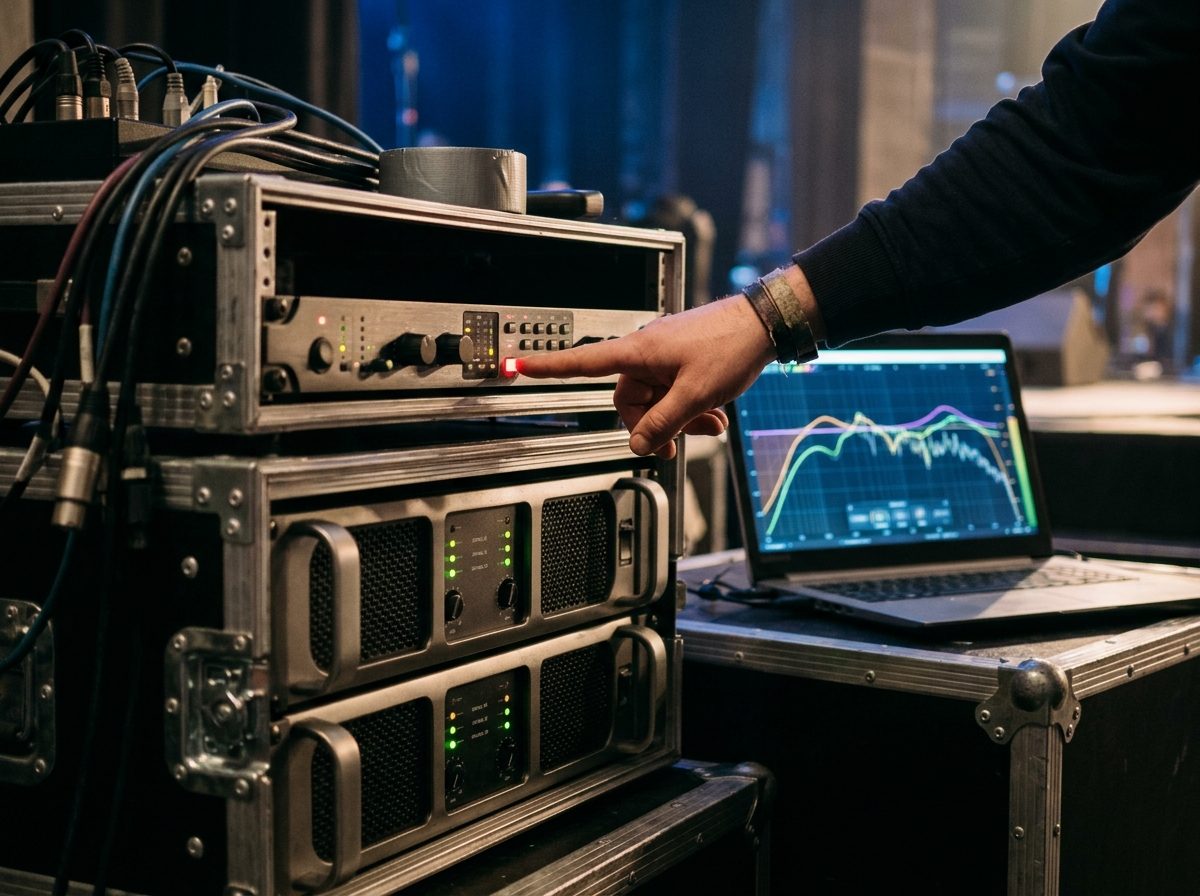
A limiter is a ceiling. Signal below the threshold passes untouched; signal above it gets squashed so the amp never delivers more than the speaker can take. Every passive-speaker output needs one, set before the output is unmuted. It is the only thing between a 2 000 W amp and a 600 W driver when the DJ pushes the master into the red at 1 a.m.
Limiter headroom
Headroom = 10 × log10(amp W ÷ speaker RMS W). Set the limiter at least that many dB below the amp's clip point, then 2 dB more for safety.
Gain structure: everything at zero
- Mixer: main fader at 0, meters peaking around 0 dB on a loud track.
- Processor: input gain 0 dB, output gains 0 dB. Volume is not set here.
- Amps: attenuators fully up, or at the engineer's marked position. Not "a bit down to be safe": that only moves the clip point and breaks the limiter maths.
- Limiters: set from the amp-to-speaker ratio above, then 2 dB more conservative. Red limit lights should flicker on peaks, never stay lit.
Never unmute a passive-speaker output with the limiter switched off "just to test it". Test with the limiter on. If the limiter is wrong, the test will tell you. If it is off, the speaker will.
07The setup process
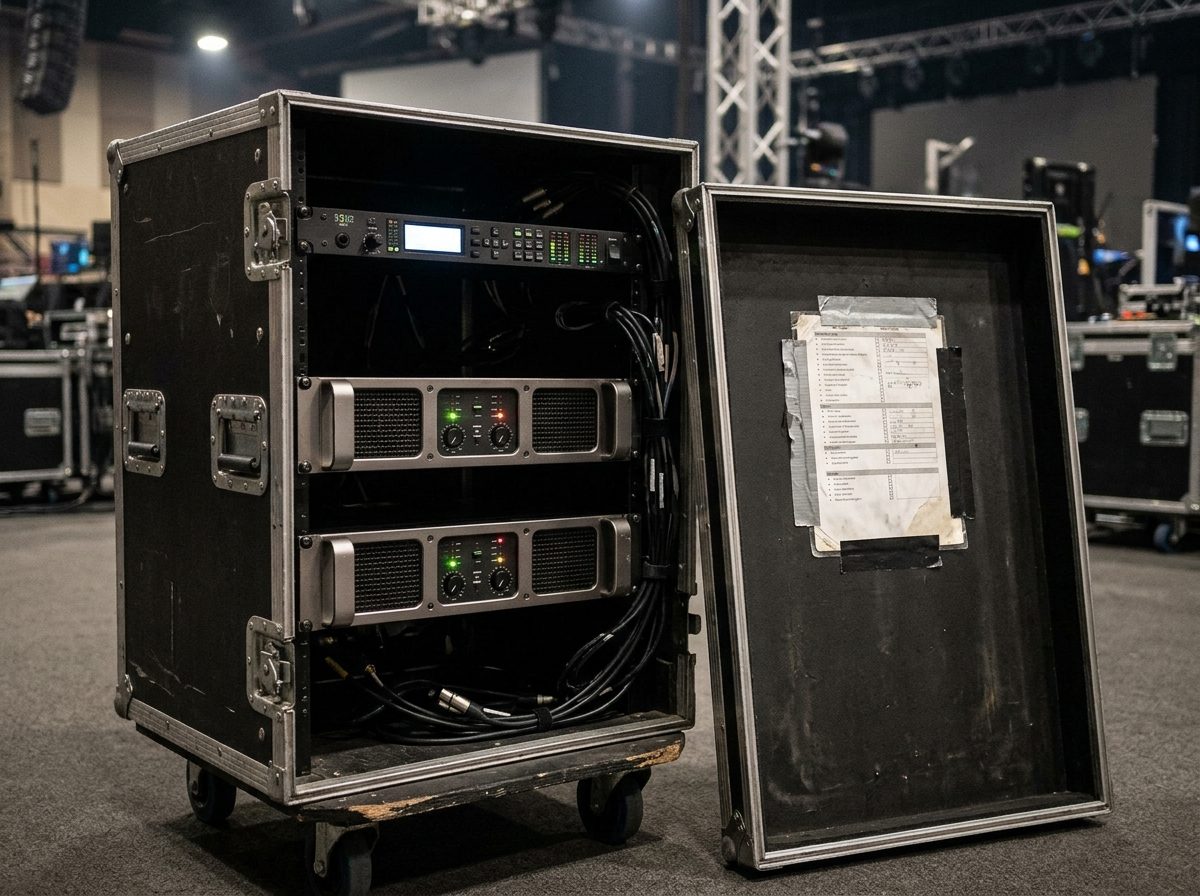
This is the order. Print it, tape it inside the amp rack lid, and tick it every time. It takes ten minutes on a rig you know and saves the first half hour of every show you don't.
- Everything off, everything muted
Amps off. All six processor outputs muted. Mixer master down. Cables labelled at both ends. - Cable it to the labels
Mixer L and R into inputs A and B. Each output to the amp channel or powered box written on its tape. Speakon from amp to box. - Power up from the source
Mixer, then processor, then amps. Check the processor shows input signal on the meters with the mixer playing a track at 0 dB. - Load the preset
Recall the preset named for this rig. No preset? Start flat, then set routing, crossovers and limiters from Lessons 3, 4 and 6. - Check routing on the screen
For each output: which input (A, B, A+B), which band, mute state. The label is not the routing. - Check crossovers and high-passes
Subs 35 to 100 Hz. Tops from 100 Hz. Fills from 80 Hz. All LR24. Match the spec sheet. - Check limiters
Every passive output has one and it is on. Threshold from the amp-to-speaker headroom, minus 2 dB. - Unmute one output at a time
Track playing. Unmute output 1. Walk to the box it should feed. Right box? Right band (bins only thump, tops have no bass)? Mute it, next output. - Delay and polarity
Delay the tops to the subs, fills to the mains. Flip sub polarity and keep the louder one. - Save and lock
Save as a new preset: venue, date, rig. Lock the front panel. Note the preset name on the rack tape.
If it is wrong
| You hear | Most likely | Check |
|---|---|---|
| Voices coming out of the bins | Sub output set full range or low-pass too high | Sub output low-pass: should be about 100 Hz |
| Tops sound thin, no weight | Tops high-passed too high, or subs muted | Top HPF about 100 Hz; sub output unmuted; cable to the sub amp |
| Bass gets weaker when tops come on | Polarity or delay between subs and tops | Flip sub polarity; set top delay to the sub distance |
| Echo near the back of the room | Fill not delayed | Fill delay = distance ÷ 0.343 + 5 ms |
| One side silent, input meters fine | Output muted, or wrong routing on that output | Mute button; output screen; XLR to the amp |
| Limit light solid red on one output | Threshold too low, or that output's gain too high | Output gain back to 0; recheck limiter maths |
| Nothing on the input meters | Fault before the processor | Mixer master, mixer meters, the two XLRs into A and B |
Label, route, cross over, limit, prove each box, align, save. In that order, every time.
08Check what you learnt
Ten questions. Pick an answer for each, then press Mark my answers. You need 8 out of 10 to pass this module. You can retry as often as you like.
Ten questions. Circle one answer for each. The answer key is on the last page. Pass mark: 8 out of 10.
Answer key
Photos: product images courtesy of the manufacturers (RCF, Neutrik) and their distributors; scene photographs are AI-generated illustrations and do not show B&W Productions equipment or events.